Import an existing Safe
Bring an existing Safe, including multisig, into the dApp as a sub-wallet.
Chapters
- 0:00Discovery
- 0:06Importing
- 0:18Multisig notes
- 0:23Verification
What you'll learn
- Which Safes are discoverable
- How import differs from create
- What multisig changes in the flow
Step by step
- 1
Open discovery
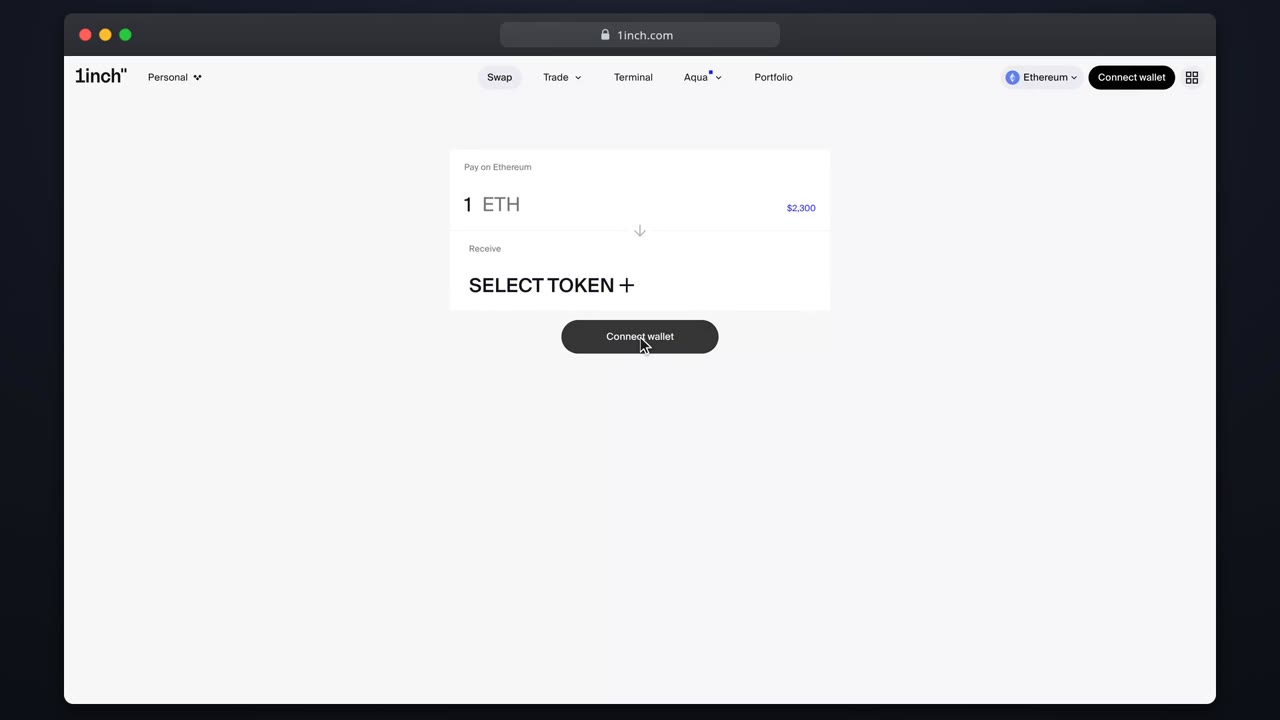
The account box detects Safes your connected wallet can operate.
- 2
Import
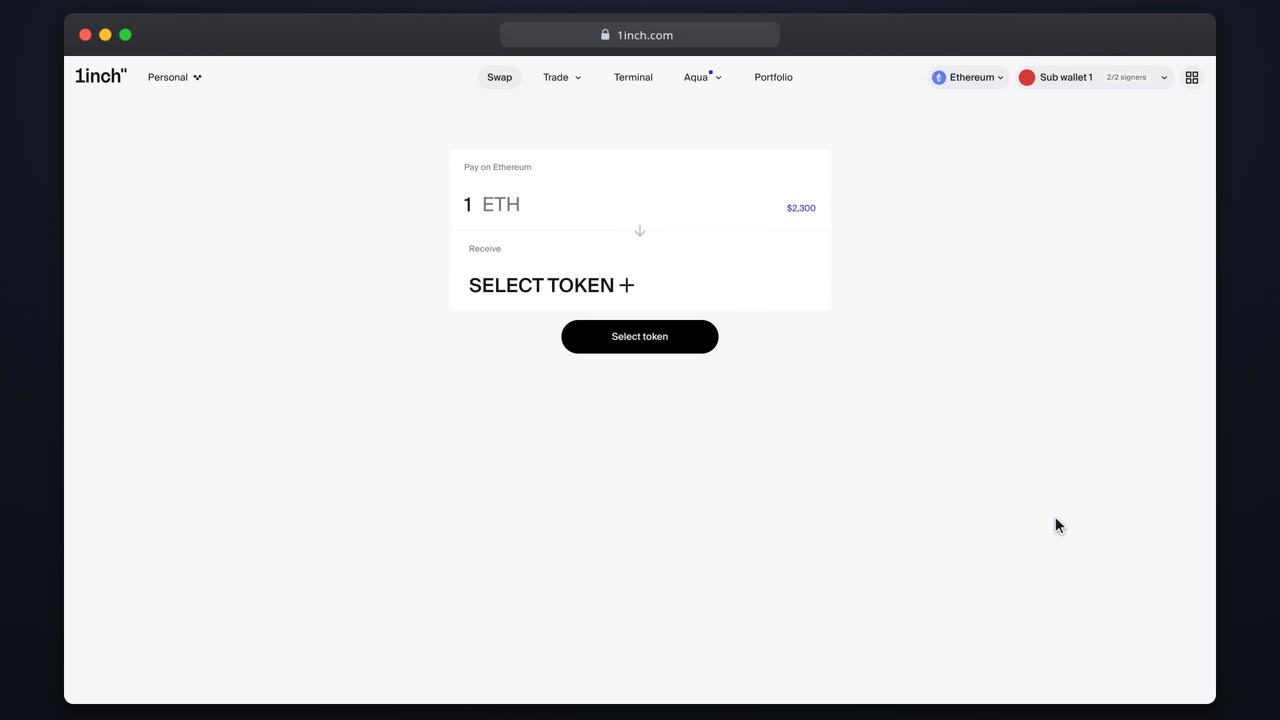
Select the Safe. It appears in your sub-wallet list with its balances.
- 3
Mind the signers
Multisig Safes queue transactions for co-signers instead of executing immediately.
- 4
Use it
Positions built from the Safe quote against the Safe balance.
Related tutorials
This flow is automatically verified on every release.