Create a sub-wallet
Create a Safe-based sub-wallet controlled by your main wallet. You get an isolated balance with its own positions.
Chapters
- 0:00Sub-wallets in one minute
- 0:25The creation flow
- 0:35A beautiful address
- 0:51Using it in Aqua
What you'll learn
- What a sub-wallet is on-chain
- How creation is signed
- Where sub-wallet balances live
Step by step
- 1
Open the account box
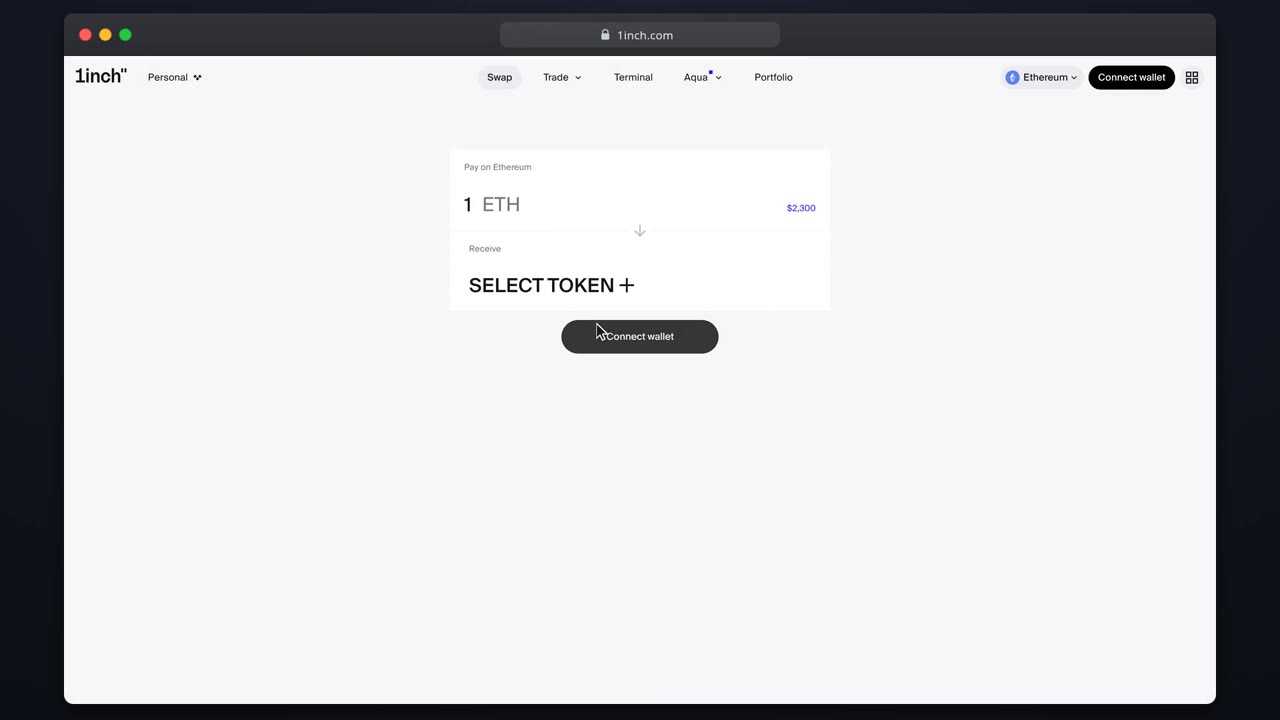
The sub-wallets section lists existing ones and offers Create.
- 2
Pick a beautiful address
This step is optional. Type a short hex start, end or both, then press 'Generate'. The app searches until the new Safe's address matches.
- 3
Create
One signature deploys a 1-of-1 Gnosis Safe controlled by your main wallet.
- 4
Fund it
Transfer the tokens this mandate should quote with.
- 5
Select and build
Switch to the sub-wallet and open positions exactly as usual.
Related tutorials
This flow is automatically verified on every release.