Track fees and activity
The transactions view is your earnings ledger. It shows every fill and fee across your positions.
Chapters
- 0:00The transactions view
- 0:06Reading a fill
- 0:19Filtering
- 0:27Cross-checking
What you'll learn
- Where the transactions view lives
- How fills map to fee income
- Filtering by position or pair
Step by step
- 1
Open transactions
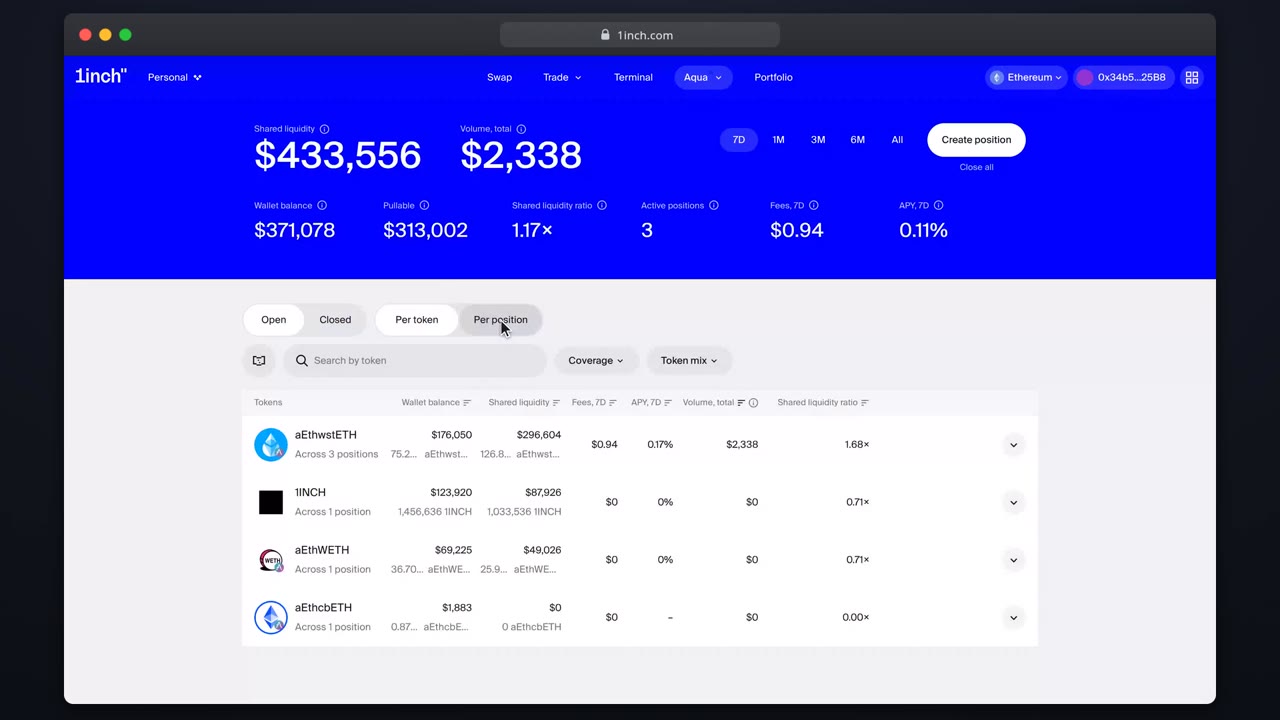
From the Aqua overview, switch to the transactions tab.
- 2
Read a row
Each fill shows the pair, amounts moved and the fee you earned.
- 3
Filter
Narrow to one position or pair to audit it.
- 4
Cross-check
Fees arrived in your wallet at fill time. The ledger just explains where from.
Related tutorials
This flow is automatically verified on every release.